Procreate: Digital Painting Tools, Techniques, and Tips for Artists
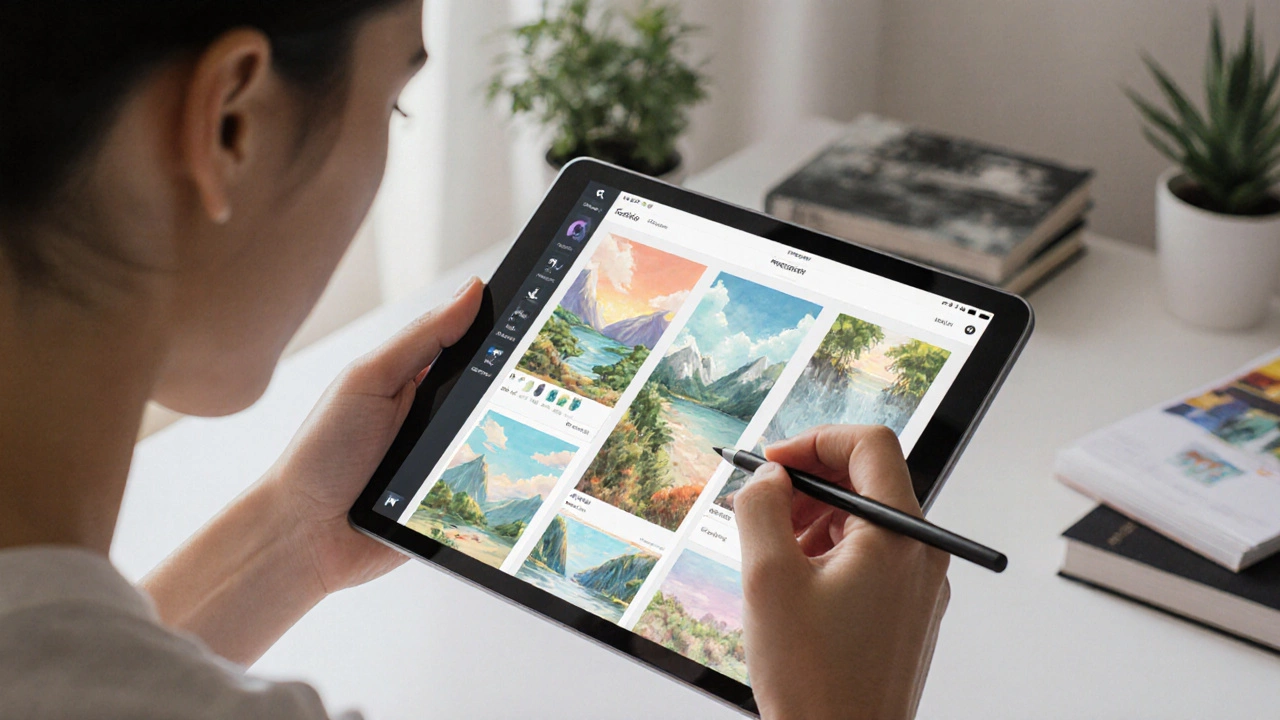
When you pick up an Procreate, a powerful digital painting app designed for the iPad that lets artists create everything from sketches to gallery-ready pieces without a single physical brush. Also known as iPad art software, it has become the go-to tool for illustrators, concept artists, and hobbyists who want studio-quality control in their pocket. Unlike traditional painting, Procreate doesn’t need canvases, turpentine, or cleanup. You get layers, undo buttons, customizable brushes, and pressure-sensitive tools that respond like real media—but faster and more forgiving.
What makes Procreate stand out isn’t just the tech—it’s how it connects to real art practices. Digital painting, the process of creating artwork using software instead of physical materials in Procreate mimics watercolor, oil, charcoal, and ink with surprising accuracy. Artists use it to sketch ideas, build full illustrations, or even animate frame-by-frame. The app’s brush engine lets you tweak every detail: grain, flow, spacing, and opacity—so you can make a brush that behaves exactly like your favorite pencil or brush from your studio. And because it runs on an iPad, you can work anywhere: on the couch, in a café, or even during your commute.
Procreate doesn’t replace traditional art—it expands it. Many artists start with pencil and paper, then move to Procreate to refine their work or experiment with color. Others skip the physical stage entirely and build entire portfolios digitally. It’s used by freelancers for client work, educators for online lessons, and students learning anatomy or perspective without buying dozens of sketchbooks. The app’s time-lapse recording feature alone saves hours: you can replay your process, share it with others, or review your own progress to spot where you got stuck.
You don’t need to be a tech expert to use it. The interface is clean, intuitive, and designed by artists for artists. Tutorials are everywhere, but most people learn by doing—tapping, swiping, and experimenting until something clicks. Whether you’re trying to replicate a Van Gogh texture or designing a fantasy character, Procreate gives you the freedom to break rules without wasting materials.
What you’ll find in this collection are real, no-fluff guides on how to use Procreate effectively. From setting up your first canvas to mastering blending and brush customization, these posts cut through the noise. You’ll learn how to avoid common mistakes, speed up your workflow, and make your digital art look hand-painted—not like a filter. Some posts dive into specific techniques like digital watercolor layering or creating texture with custom brushes. Others compare Procreate to other tools, or show how artists use it alongside traditional media. There’s no theory-heavy jargon here—just what works, what doesn’t, and why.
Best Programs to Create Digital Art in 2025
Discover the best digital art programs in 2025, from Procreate and Photoshop to free tools like Krita. Find the right software for your device, style, and budget.
Continue Reading