Digital Art Software: Tools, Tips, and What Works in 2025
When you start making art on a screen, you’re not just picking a program—you’re choosing a new way to think about creativity. Digital art software, software designed for creating visual art using digital tools like tablets and styluses. Also known as digital painting software, it lets you draw, paint, and design without brushes, canvas, or cleanup. It’s not about replacing traditional art—it’s about giving you more ways to express what’s inside your head, faster and with fewer limits.
Most artists don’t use one tool—they use a mix. Procreate, a powerful drawing app built for iPad that’s become the go-to for illustrators and concept artists works great if you’re on the go. Adobe Photoshop, the industry-standard program for photo editing and digital painting that’s been around for decades still dominates studios because it handles layers, brushes, and textures like nothing else. Then there’s Krita, a free, open-source alternative that’s packed with professional-grade tools and no subscription fees. These aren’t just apps—they’re your new pencils, paints, and palettes.
What you need depends on what you’re trying to make. Want to sketch portraits quickly? Procreate’s brush engine feels like real charcoal. Working on comic panels or concept art? Photoshop’s layer masks and clipping groups save hours. Trying to stay on a budget? Krita gives you 90% of the power for free. And if you’re using a tablet like a Wacom or Huion, the software has to talk to it smoothly—otherwise, your lines lag, your pressure sensitivity feels off, and your creativity stalls.
There’s a myth that you need expensive gear to make good digital art. That’s not true. Many artists start with a cheap tablet and free software, then upgrade only when they hit a wall. The real difference isn’t the tool—it’s how often you use it. The best digital art software won’t make you a better artist. But the right one? It’ll make you want to keep drawing.
Below, you’ll find real guides from artists who’ve tried every tool out there. They’ll show you how to pick software that fits your style, not your bank account. You’ll see what brushes actually get used, which features are worth paying for, and why some programs are loved by pros but ignored by beginners. No fluff. No hype. Just what works—and what doesn’t.
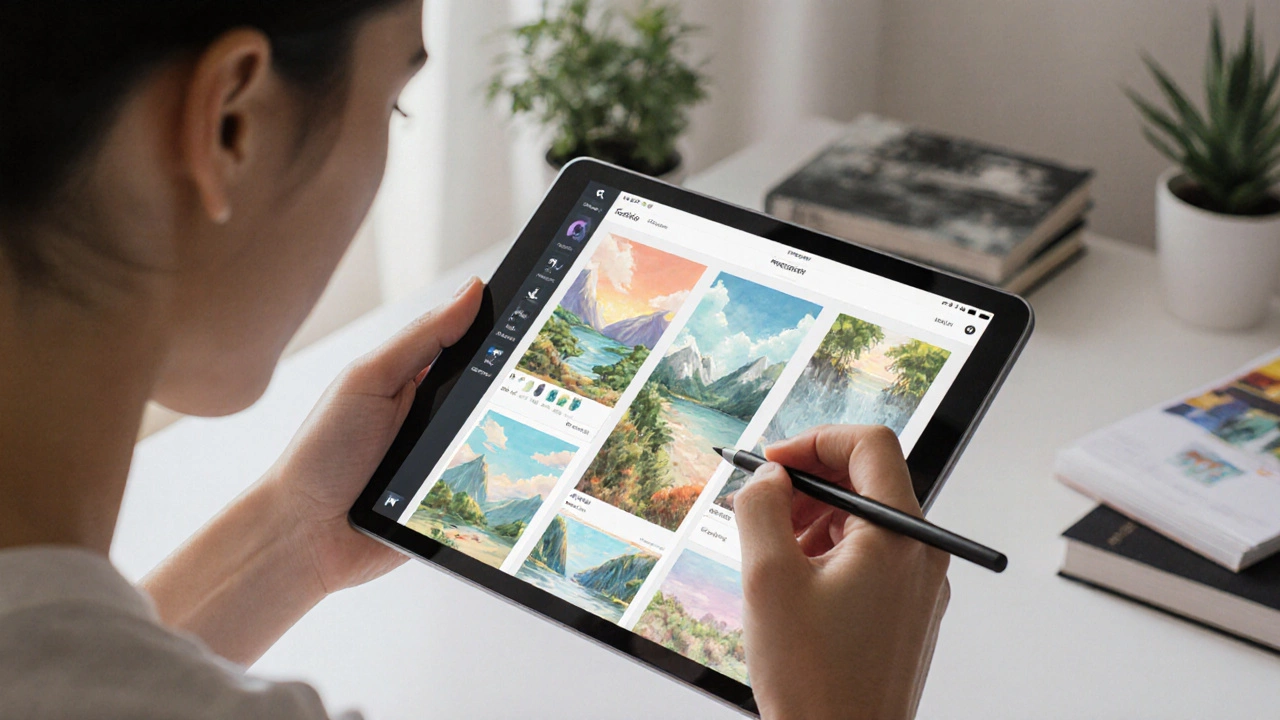
Best Programs to Create Digital Art in 2025
Discover the best digital art programs in 2025, from Procreate and Photoshop to free tools like Krita. Find the right software for your device, style, and budget.
Continue ReadingCategories
Most popular
-
 The Art of a Two-Artist Exhibition Apr 10 2025
 -
-
-
-
 How Much Should You Pay for a Portrait Session? Apr 13 2025