Photoshop for Digital Art: Tools, Techniques, and Real-World Uses
When you work with Photoshop for digital art, a powerful digital painting and design platform developed by Adobe that lets artists create, edit, and composite visual work on screen. Also known as digital painting software, it’s not just for photo editing—it’s the go-to tool for illustrators, concept artists, and freelancers who need control over every pixel. Unlike traditional media, Photoshop lets you undo mistakes, layer effects, and experiment without wasting materials. You can paint like you’re using oil, watercolor, or charcoal—but with unlimited colors and no drying time.
What makes Photoshop for digital art different isn’t just the brush tools—it’s the digital art workflow, the step-by-step process artists follow to go from idea to finished piece using software tools. Most pros start with rough sketches, block in values, then build color and texture using custom brushes. They use layers to separate elements—backgrounds, characters, lighting—so they can tweak one part without touching the rest. This isn’t guesswork. It’s a repeatable system that saves time and reduces frustration. And it’s why so many artists switch from paper to tablet: you can zoom in to fix a single eyelash or step back to check the whole composition.
Related tools like graphics tablets and styluses matter, but they’re just extensions of what Photoshop enables. The real power comes from understanding layer masks, a non-destructive editing feature that lets you hide or reveal parts of a layer without erasing anything, or how to use blending modes, settings that change how layers interact to create lighting, shadows, or color effects. These aren’t hidden secrets—they’re basic skills you learn after a few hours of practice. The biggest mistake beginners make? Trying to paint like they would with real paint. Photoshop doesn’t need that. It needs intention. You don’t blend colors with a brush—you blend them with a layer and a slider.
Some people think Photoshop is only for professionals, but that’s not true. Thousands of hobbyists use it daily to turn doodles into gallery-ready art. You don’t need a $1,000 tablet or a degree in design. You need curiosity, patience, and the willingness to try things that don’t work. The posts below show exactly how real artists use Photoshop—for portraits, fantasy scenes, abstract pieces, and even landscape paintings that look like they were done with oils. You’ll see how they build depth, avoid muddy colors, and use lighting to make flat images feel alive. Whether you’re starting from scratch or trying to fix a painting that looks "off," there’s something here that will click for you.
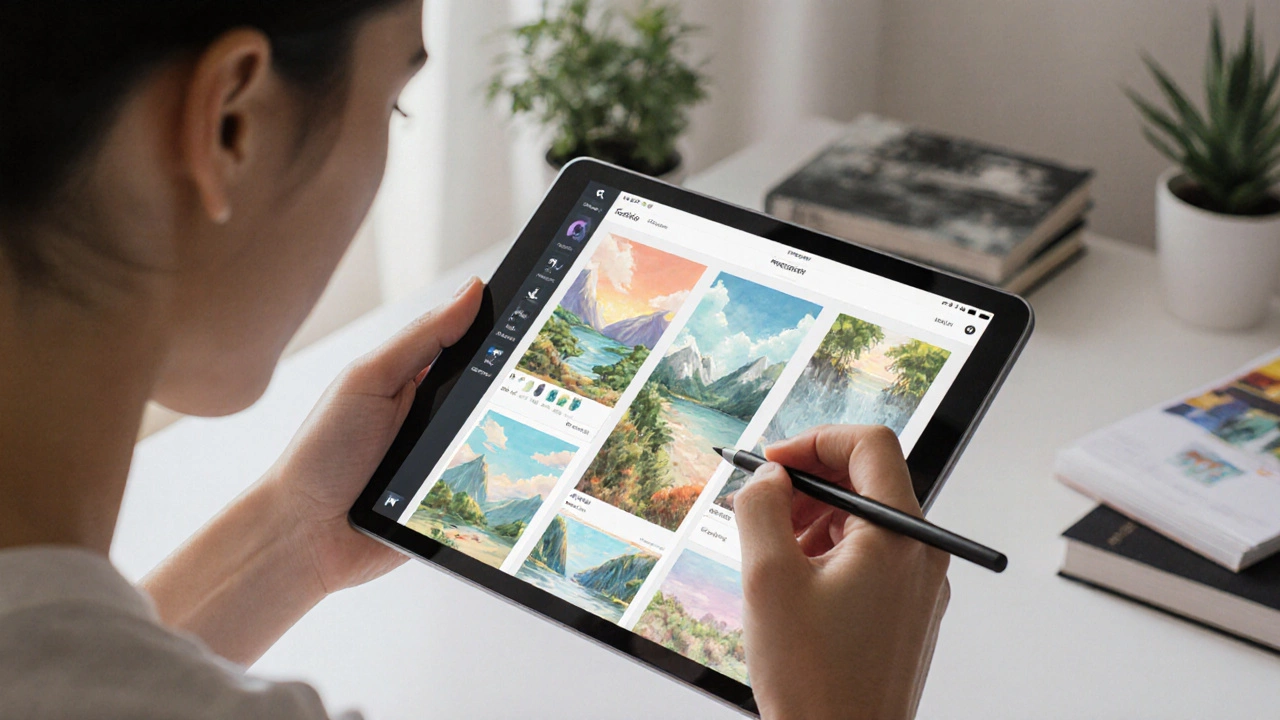
Best Programs to Create Digital Art in 2025
Discover the best digital art programs in 2025, from Procreate and Photoshop to free tools like Krita. Find the right software for your device, style, and budget.
Continue ReadingCategories
Most popular
-
-
-
-
 How Much to Pay for a Portrait Painting Feb 27 2025
 -
 What Is the Famous School of Landscape Painting? Dec 14 2025