Best Digital Painting Program: Tools, Tips, and What Artists Really Use
When it comes to best digital painting program, a software tool designed for creating digital artwork with brush-like precision and layer-based editing. Also known as digital art software, it’s not just about having pixels on a screen—it’s about having control, speed, and the feel of real paint in your hands. The right program doesn’t make you a better artist, but it can remove the friction between what you imagine and what you create.
Most serious digital artists don’t chase the most expensive tool—they chase the one that works with their workflow. Procreate, a powerful iPad app loved by illustrators for its intuitive brushes and pressure-sensitive drawing dominates mobile art. Meanwhile, Adobe Photoshop, the industry standard for layered painting, photo integration, and detailed retouching still runs the desktop scene. And then there’s Corel Painter, the only program that truly mimics the texture of oil, watercolor, and pastel on a digital canvas. Each serves a different need: speed, realism, or control.
What you really need isn’t the most features—it’s the right fit. If you sketch fast and love to paint on the go, Procreate’s simplicity wins. If you blend photos with paintings or need advanced layer masks, Photoshop’s depth wins. If you want your digital brush to behave like a wet brush on rough paper, Corel Painter is the only choice. It’s not about being the best—it’s about being the best for you.
And don’t get fooled by marketing. Free tools like Krita and FireAlpaca have grown into serious contenders. They lack some polish, but they give you 90% of the power without the subscription. Many artists start there, then upgrade only when they hit a wall. You don’t need to spend $20 a month to make great art—you just need to start.
What matters more than the program? Your hand. Your eye. Your willingness to try, fail, and try again. The tools are just extensions of that. The posts below show you exactly how artists use these programs—what brushes they swear by, how they build layers without muddying colors, and which settings make the biggest difference. No fluff. No hype. Just real techniques from real artists who’ve been there.
Best Programs to Create Digital Art in 2025
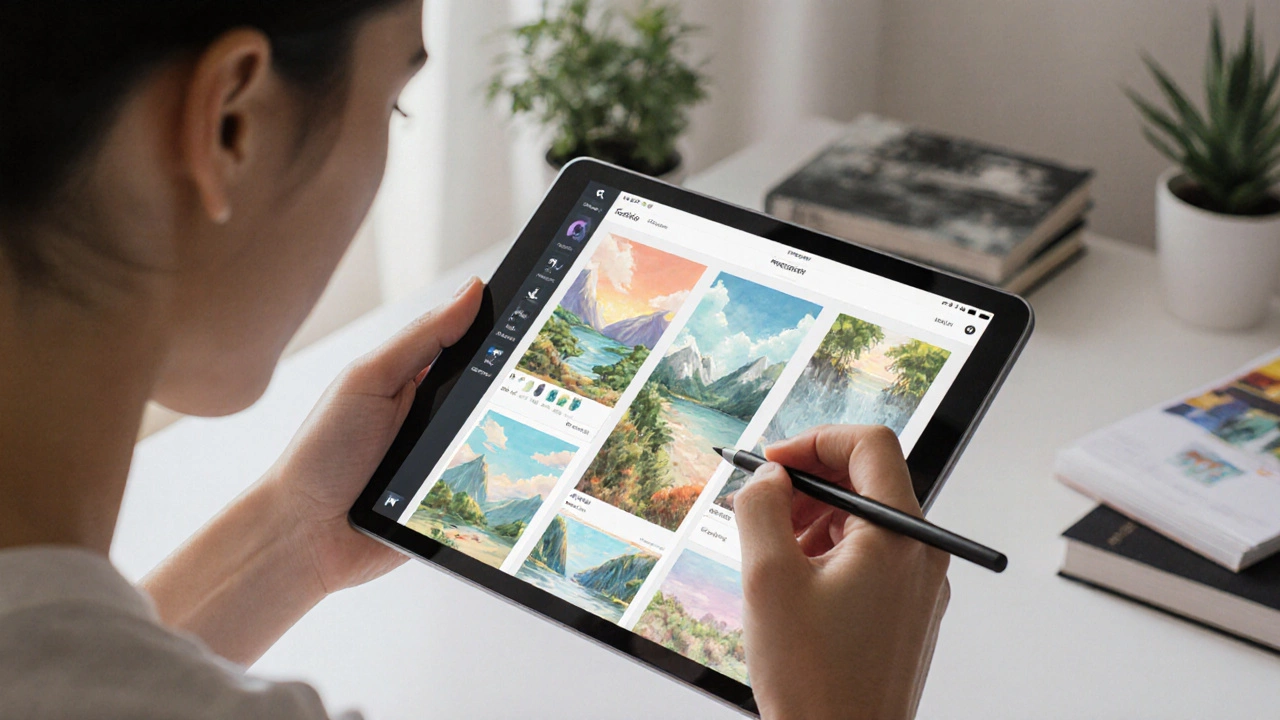
Discover the best digital art programs in 2025, from Procreate and Photoshop to free tools like Krita. Find the right software for your device, style, and budget.
Continue ReadingCategories
Most popular
-
 Reimagining Portraits: The Art Beyond Faces Jan 31 2025
 -
-
-
-