Art Print Production Planner
Ensure your digital master is ready for professional reproduction. Calculate necessary file resolutions and select the right production method for your edition size.
1. File Requirements Calculator
2. Production Method Advisor
You’ve finished your painting. It looks incredible under studio lights. Now comes the hard part: turning that one-of-a-kind canvas into something you can sell to hundreds of people without losing its soul. Getting art prints made isn’t just about hitting "print" on your home printer. It’s a technical process involving color calibration, paper selection, and choosing the right production method. If you get it wrong, your vibrant blues turn muddy, and your crisp lines look fuzzy. If you get it right, you create a revenue stream that supports your original work.
The First Step: Capturing Your Work Correctly
Before you even think about sending files to a printer, you need a digital master copy that is flawless. Most artists fail here because they use smartphone cameras in bad lighting. To get professional results, you have two main options: high-resolution scanning or professional photography.
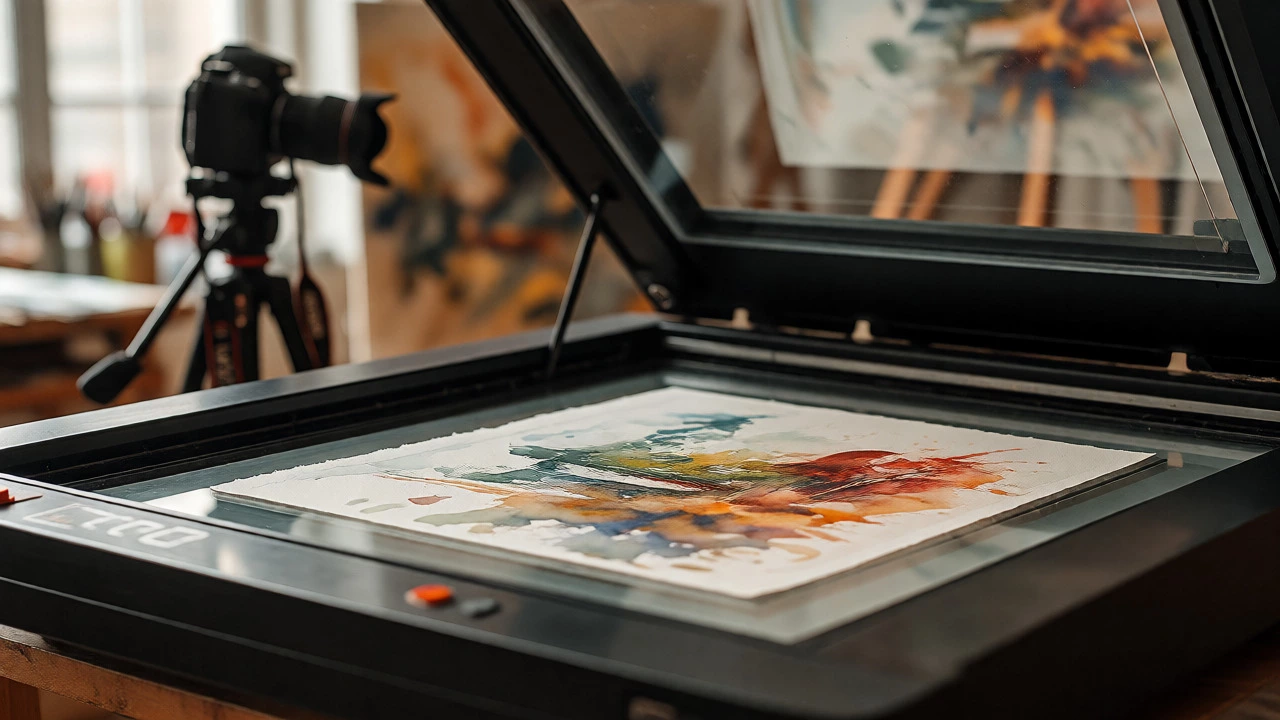
If your artwork is flat-like watercolors, drawings, or small oils-a flatbed scanner is often better than a camera. Scanners capture uniform light across the surface, eliminating glare and shadows. Set your scanner to at least 600 DPI (dots per inch). For larger works where a scanner won’t fit, you need a controlled photo setup. Use natural, indirect daylight if possible. Avoid direct sunlight, which creates hotspots. Ensure your camera sensor is clean and use a tripod to keep the image sharp. Shoot in RAW format so you can adjust white balance later. If you’re not confident in your photography skills, hiring a local photographer who specializes in art reproduction is worth every cent. They know how to handle texture and color accuracy.
Understanding File Requirements and Color Spaces
Once you have your image, you need to prep it correctly. Printers don’t read images the same way screens do. Screens emit light; paper reflects it. This means colors on your monitor might look brighter than they will on paper.
Most professional printers require files in TIFF or high-quality JPEG format. Avoid PNGs unless specifically requested, as they can sometimes cause compatibility issues with older RIP (Raster Image Processor) software used by print labs. The resolution needs to be high. A general rule of thumb: multiply the desired print size in inches by 300 DPI. So, for an 8x10 inch print, you need an image that is at least 2400 x 3000 pixels. If your scan is lower than this, upscaling can help, but it rarely matches native resolution.
Color space is another critical detail. While your computer likely uses sRGB, many professional print labs prefer Adobe RGB because it covers a wider range of colors, especially in greens and cyans. However, check with your specific provider. Some labs convert everything to CMYK internally, while others want you to send RGB files and handle the conversion themselves. Sending the wrong color profile can result in dull, desaturated prints. Always ask for their preferred file specifications before uploading.
Choosing Between Giclée, Offset, and Digital Printing
Not all printing methods are created equal. The term "giclée" gets thrown around a lot, but it has a specific meaning. Giclée printing uses high-end inkjet technology with archival pigment-based inks. These inks resist fading and offer a wide color gamut. Giclée is ideal for limited editions and high-value reproductions because each print is individually produced. It’s expensive per unit, but the quality is unmatched.
Offset lithography is different. It’s used for large runs-think thousands of copies. You pay for plates and setup costs upfront, but the cost per print drops significantly as volume increases. The quality is consistent, but it lacks the subtle depth and texture fidelity of giclée. If you’re selling affordable posters in bulk, offset is your friend. If you’re selling $50+ signed prints, stick with giclée.
Digital laser printing is the budget option. It’s fast and cheap, perfect for test proofs or low-cost merchandise like postcards. However, toner sits on top of the paper rather than soaking in, which can affect longevity and texture. For serious art sales, avoid standard office-grade digital prints.
| Method | Best For | Cost Structure | Quality Level | Longevity |
|---|---|---|---|---|
| Giclée | Limited editions, high-value art | High per-unit, no setup fee | Museum-grade color accuracy | 75-100 years (with archival paper) |
| Offset Lithography | Mass production, open editions | Low per-unit, high setup fee | Consistent, good color | Variable, depends on ink/paper |
| Digital Laser | Proofs, postcards, merch | Very low cost | Adequate for casual viewing | Short-term (fades faster) |
Selecting Paper and Substrate
The paper changes everything. Using glossy photo paper for a textured oil painting replica feels wrong. You need to match the substrate to the medium of your original work.
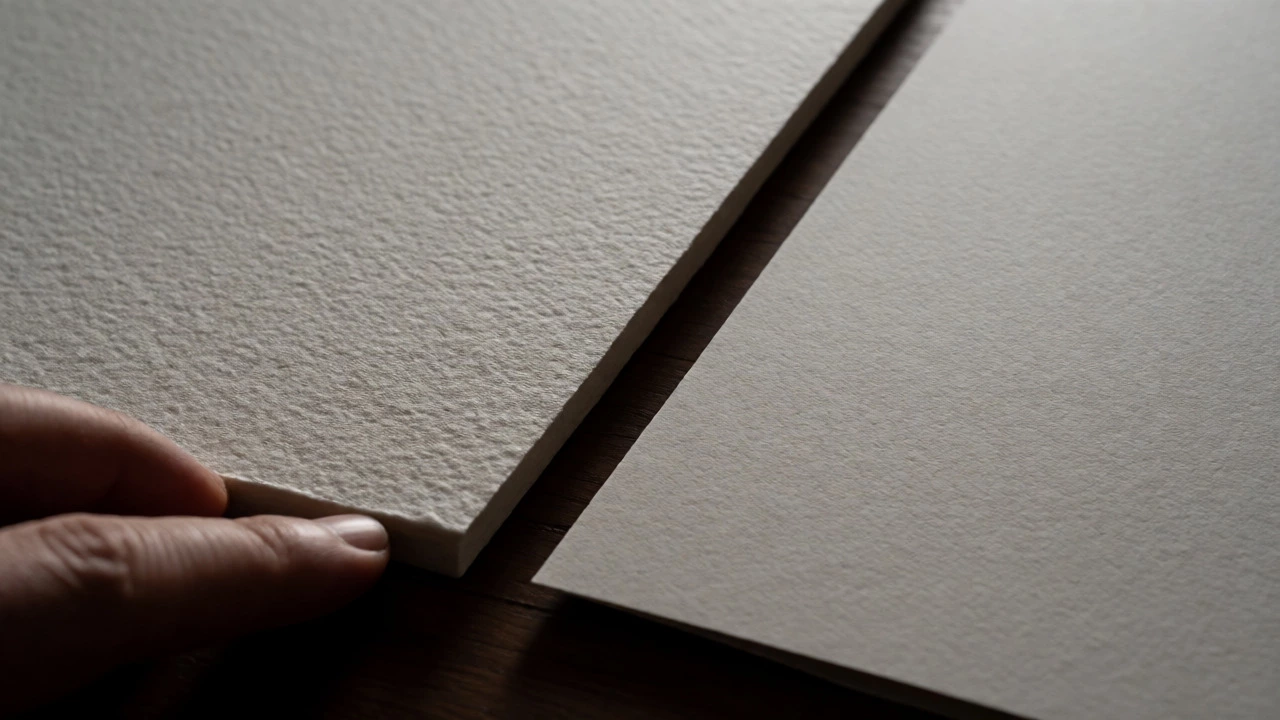
For paintings, choose cotton rag or alpha-cellulose papers. Cotton rag is thick, durable, and has a tactile feel similar to canvas or watercolor paper. Brands like Hahnemühle and Canson offer specific lines for fine art. Look for terms like "acid-free" and "lignin-free." These ensure the paper won’t yellow over time. If your work is digital or photographic, semi-gloss or matte finishes often look more sophisticated than high gloss, which can show fingerprints and reflections.
Consider the weight of the paper too. Measured in GSM (grams per square meter), heavier papers (200-300 GSM) feel more substantial and luxurious. Lighter papers (under 150 GSM) might feel flimsy and curl easily. Always request physical samples from your printer before committing to a large order. Colors and textures look different in person than on screen.
Finding a Reliable Printer
You can go big-box online or boutique local. Online giants like WhiteWall or Bay Photo offer consistency and global shipping. They have automated systems that check your files for errors. However, they lack personal interaction. If a print comes out slightly off-color, you’re dealing with customer service tickets, not a conversation.
Local fine art print shops are invaluable for building relationships. You can walk in, discuss your vision, and see proofs immediately. In Wellington, for example, several studios specialize in small-run giclée printing. They can advise on cropping, borders, and framing. If you plan to exhibit locally, having a nearby partner who understands exhibition timelines is a huge advantage. They can rush jobs when you have a gallery deadline next week.
When vetting a printer, ask these questions:
- Do you use pigment inks or dye inks?
- Can I get a proof run before the full edition?
- What is your color management process? Do you calibrate monitors and printers regularly?
- Do you offer archival certification for the materials used?
Managing Editions and Artist Proofs
Deciding how many prints to make affects your pricing and scarcity. Limited editions increase value. Open editions (unlimited supply) keep prices lower but reduce exclusivity. Most collectors prefer numbered limited editions, such as "5/50," which shows exactly which print they own.
Include "Artist Proofs" (APs) in your count. Traditionally, these were kept by the artist for personal use or gifts. Today, they’re often sold alongside the main edition. A common ratio is 10% APs to 90% numbered prints. Label them clearly. An "AP 1/5" holds different perceived value than "Print 1/50." Be transparent about what counts toward the total edition size. Does the AP count? Usually, yes. Clarify this in your sales descriptions to avoid buyer confusion.
Sign and number your prints. Use archival ink pens or pencils. Pencil signatures are traditional and less likely to smudge. Place them consistently-usually bottom right for numbering, bottom left for signing. This small touch transforms a piece of paper into a collectible object.
Packaging and Shipping Without Damage
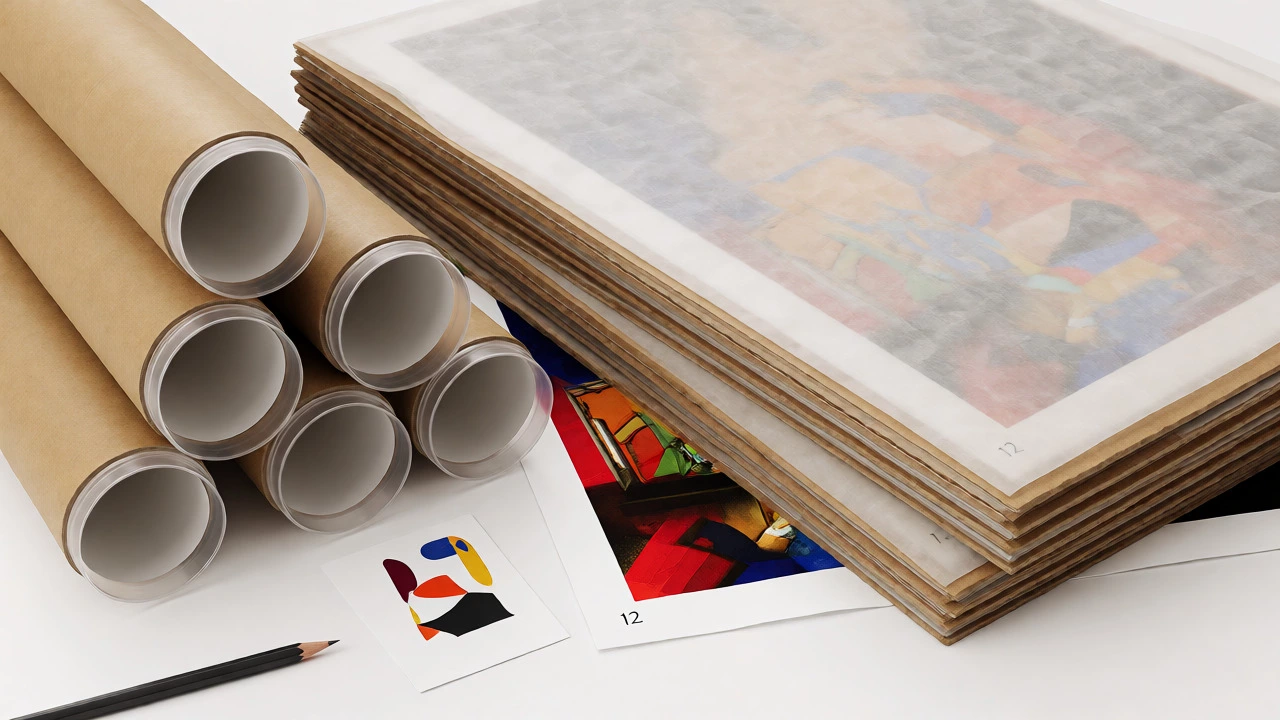
Nothing kills a sale faster than a bent corner. Prints must ship flat or rolled in rigid tubes, never folded. Flat mailers are best for smaller sizes (up to A3). Use acid-free glassine paper to wrap the print first, protecting the surface from moisture and scratches. Then sandwich it between two pieces of stiff cardboard or foam board. Seal the package tightly so nothing shifts during transit.
For larger formats, mailing tubes are necessary. Use plastic end caps with screws or tight friction fits. Cardboard tubes can crush under heavy loads. Add a layer of bubble wrap inside the tube to prevent the print from sliding and scuffing against the ends. Include a packing slip with care instructions. Tell buyers not to unroll the print until they’re ready to frame it, and let it relax for 24 hours to flatten naturally.
Common Pitfalls to Avoid
Don’t skip the proof stage. Even with calibrated screens, surprises happen. Order one test print first. Check for banding (horizontal lines caused by clogged nozzles), color shifts, or unexpected cropping. Fix the issue before printing fifty copies.
Beware of "free" shipping offers that inflate product prices. Calculate your margins carefully. If a giclée print costs $20 to produce and $5 to ship, selling it for $25 leaves you with pennies after fees. Factor in platform fees (Etsy, Shopify), payment processing costs, and taxes. Price based on value, not just cost-plus.
Finally, don’t ignore metadata. Embed copyright information and your contact details in the digital file. This helps protect your intellectual property if the image leaks online. Keep records of every edition sold. Track serial numbers to prevent overselling and maintain trust with collectors.
What is the difference between giclée and regular inkjet printing?
Giclée printing uses archival pigment-based inks and high-resolution professional inkjet printers, typically with 8-12 color channels. Regular inkjet often uses dye-based inks, which fade faster and have a narrower color gamut. Giclée also requires specific archival papers, whereas regular printing may use standard photo paper.
How much should I charge for an art print?
Pricing varies widely. Start by calculating production costs (printing + packaging + shipping). Multiply by 2-3 for wholesale pricing, then double again for retail. Consider your reputation, edition size, and demand. Limited editions command higher prices than open editions. Research comparable artists in your niche to stay competitive.
Do I need to sign my art prints?
Yes, signing adds authenticity and value. Use a pencil or archival ink pen. Sign in a consistent location, usually the bottom margin. Numbered and signed prints are considered more collectible and trustworthy by buyers.
What file format do printers prefer?
Most professional labs prefer TIFF files for lossless quality, or high-quality JPEGs (minimum 80% compression). Ensure the resolution is at least 300 DPI at the intended print size. Always check the specific printer's guidelines, as some may require PDFs or specific color profiles like Adobe RGB.
How long do art prints last?
With archival pigment inks and acid-free paper, giclée prints can last 75-100 years without significant fading when displayed properly. Dye-based inks may fade within 10-20 years depending on light exposure. Keeping prints out of direct sunlight extends their lifespan.